Direct platform storefront links
Order buttons pointed at your specific location’s storefront on each platform, not a generic search or listing page a customer would have to search through.
Food delivery platform page design is the technical work of connecting your own website to the delivery platforms you actually sell through, in a way that loads fast, tracks correctly and does not lose the customer on the handoff. It is a build problem more than a visual one: the page has to survive the jump from your site to a third-party app or web checkout without friction.
What it costs
A customer who clicks an order button on your site and lands on a slow-loading, unrelated-looking checkout page on a delivery platform will often bounce, especially on mobile where patience is short. The build work here is about minimizing that friction: linking to the correct platform storefront for your specific location rather than a generic search result, making sure the click registers correctly for tracking, and keeping the button itself fast and responsive so there is no lag between tap and redirect. None of this shows up as a visible design element, but it is the difference between an order link that converts and one that quietly leaks customers at the last step.
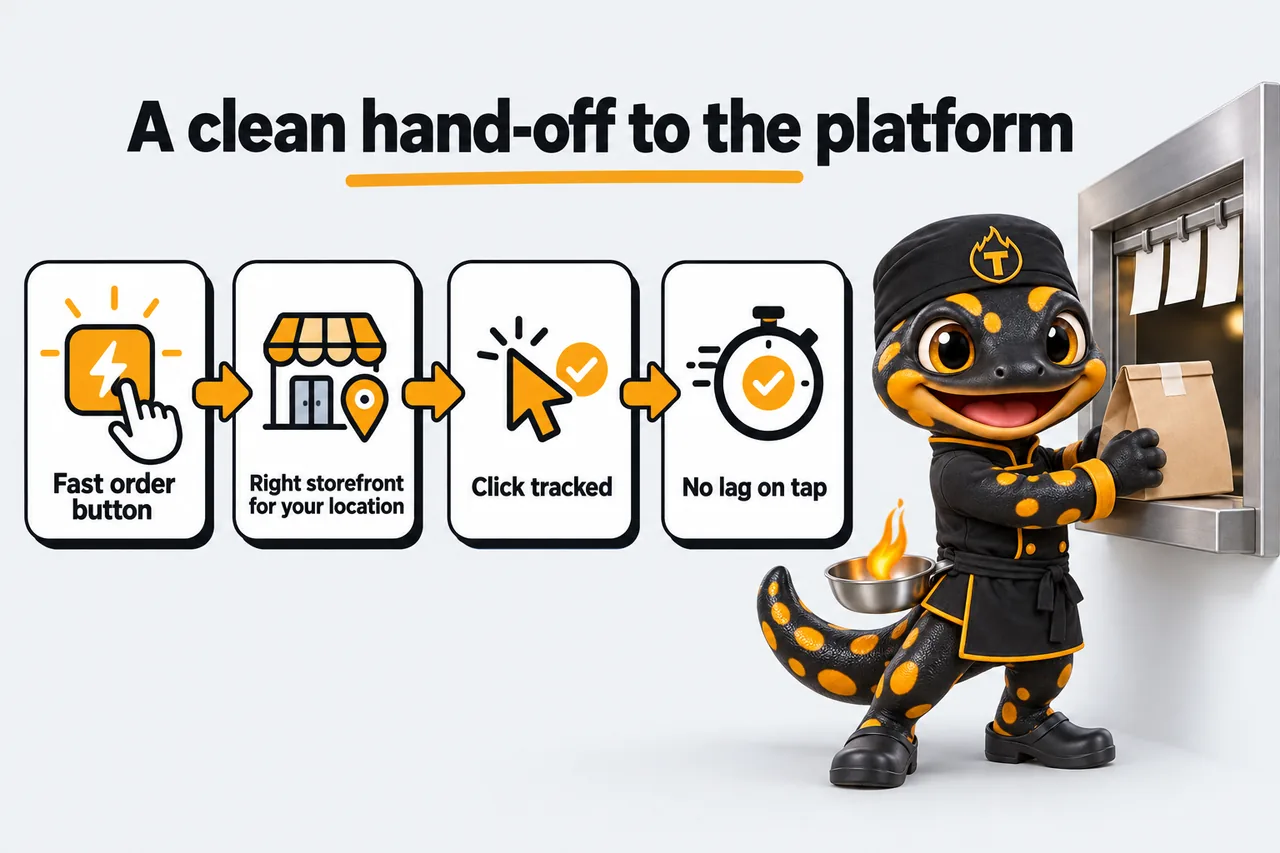
Because the final purchase happens off your own site, on the delivery platform, you lose visibility into conversion unless the links are built to preserve it. That means structuring outbound order links so they can be tracked at the click level, tagging each platform separately so you can tell whether DoorDash or Uber Eats traffic converts better from your site, and keeping that tracking consistent across every brand if you run more than one. Without this, you are making decisions about which platform to promote harder on your homepage based on guesswork instead of actual click data, which is a solvable problem with the right link structure from the start.
Most kitchens sell through more than one delivery platform, and the build needs a clean way to present that without turning the order section into a wall of competing buttons that confuses a visitor about where to actually tap. A common approach is a primary action for whichever platform performs best, with secondary platform badges available but visually quieter, so the page still reads as one clear decision rather than three equal choices fighting for attention. This is a build and layout decision together: the underlying link structure has to support easily reordering or swapping which platform gets top billing as performance data comes in, without a developer needing to touch code every time priorities shift.
Platform page design does not stand alone; it is the ordering layer underneath every brand page on the site, whether that is a single virtual restaurant brand or several concepts sharing one build across a single shared kitchen facility. Getting the link and tracking structure right once means it can be reused correctly across every brand a facility adds later instead of being rebuilt inconsistently each time a new concept launches. The multi-brand kitchen website development page covers how that reuse works in practice once more than one brand shares the same underlying build.
Order buttons pointed at your specific location’s storefront on each platform, not a generic search or listing page a customer would have to search through.
Tagged outbound links so you can see which delivery platform actually converts traffic from your own site, instead of guessing from total sales alone.
Order actions built to respond instantly on tap, minimizing lag before the redirect to the platform checkout where a slow response can cost you the order.
A primary order action with secondary platform badges available but visually quiet, avoiding a cluttered decision that slows a hungry visitor down at checkout.
A link structure that lets you change which platform leads without needing a developer for every swap, as performance data shifts your preference over time.
Every order link tested end to end before launch to confirm it reaches the right storefront and registers correctly for tracking before real customers arrive.
What changed for these kitchen teams, in their own operational terms.
Order noteNo. 201
“They pushed us to be precise about commissary kitchen tours, which felt slow at first and right at the end. The page describes the process faithfully and leaves the judgement calls to a conversation with our team. Correcting the site's accidental promises is no longer part of our calls.”
Irene Millington, Customer inquiries supervisor
Chilled prep and storage kitchen, Columbia, SC
Service scope and expectations for commissary kitchen tours
Order noteNo. 202
“The commissary kitchen tours page used to describe everything and route nothing. Each service description carries its own local contact, and the form inherits it. The 'let me transfer you' routine has almost disappeared.”
Louisa Saville, Commissary administrator
Street food prep commissary, Frederick, MD
Location information and contact routing for commissary kitchen tours
Two comparisons that cover the alternatives most operators look at before commissioning this work. Both name the cases where the other option is the better fit.
Yes, order buttons are built to point at your exact storefront on each delivery platform rather than a generic app link or search result, so a customer lands exactly where you intend on the very first tap without an extra search step in between.
Outbound order links are tagged individually so click activity can be tracked per platform, giving you real data on which one to promote harder instead of guessing from overall sales figures that mix every platform together into one confusing number.
Yes, the link structure is built so platform priority can be adjusted as part of routine updates, without needing a rebuild each time performance data changes your preference for which platform should lead the page going forward from launch onward.
Adding or removing a platform badge is a routine update covered under your monthly revisions, since the underlying link structure is built to support more than one platform from the very first launch without any extra setup work required later.
Yes, the same link and tracking structure is reused across every brand on a shared build, so each new concept inherits working, trackable order links instead of needing a fresh setup done from scratch every time a new one launches.
A live walk-through of the site you would get, in about 30 minutes. Plans from $117 a month, the $647 build fee invoiced only after launch, domain and hosting included.
Book a demoOr email and a person replies within one working day.
Everything on the pass
Book a demoSearch this site
Type to search every page and article. Press Enter for the full results page.
Appearance
Colour scheme
Accent
5 accents, all drawn from the same kitchen. Saved on this device only.
KitchenWebStudio uses the cookies below. Necessary cookies keep the site working and cannot be turned off.
Saved on this device only. Press Esc to close.